How to create an integration with Resimpli CRM using Zapier
In this guide, you’ll learn how to create an integration with Resimpli CRM and Real Estate Bees
Step 1. Click the "+ Create Zap" button.
Step 2. Click the "Trigger" section.
Step 3. Select the "Webhooks by Zapier" option.
Step 4. Under “Event”, choose the “Catch Hook” option from the dropdown, and click “Continue”.
Step 5. Do not enter anything under “Pick off a Child Key”. Skip this field and click “Continue” again
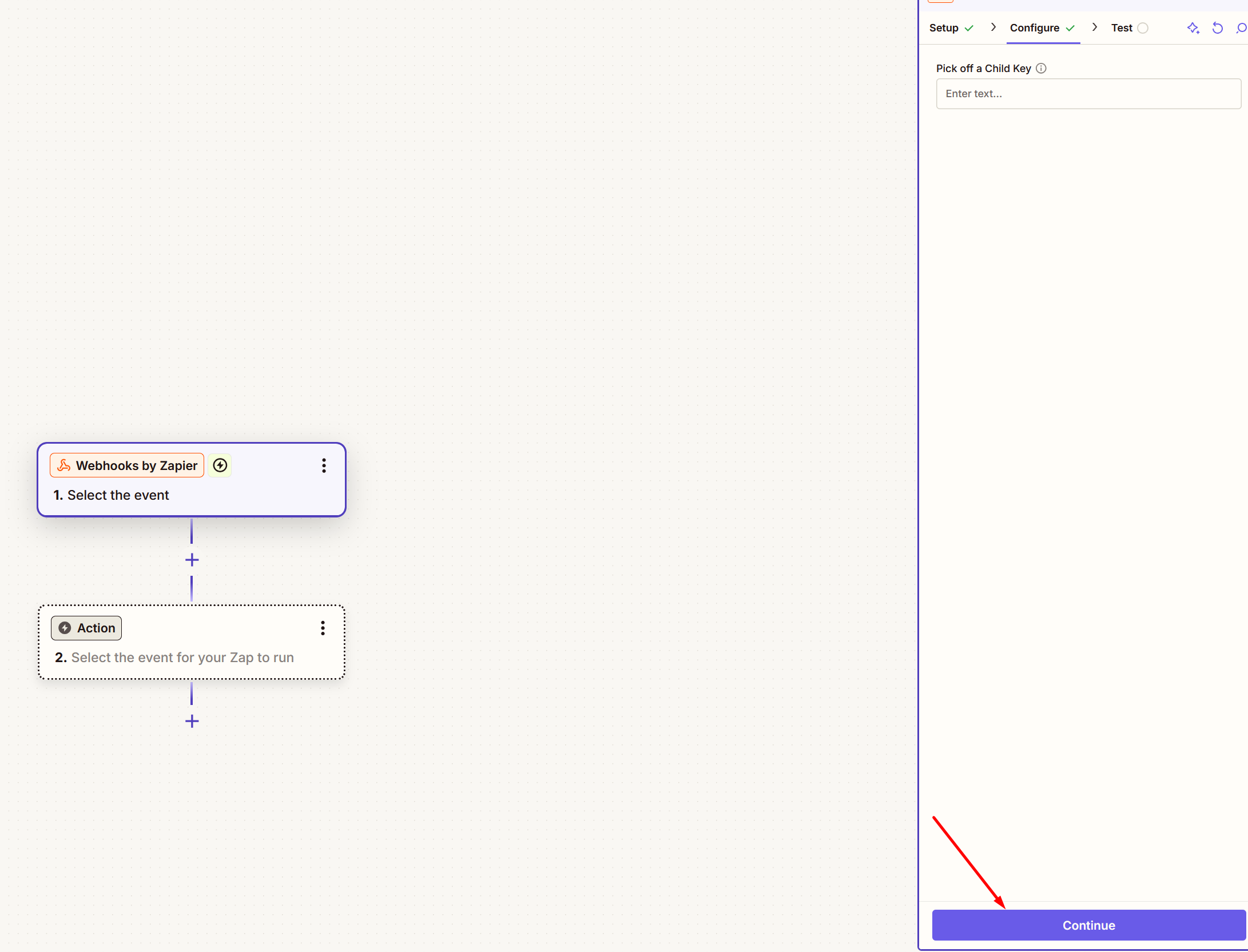
Step 6. Your Zapier webhook URL has now been generated.
Step 7. Go to your Real Estate Bees (REB) account:
7.1 Open the delivery settings and click CREATE INTEGRATION button.
7.1 Open the delivery settings and click CREATE INTEGRATION button.
7.2 Copy and paste your webhook URL generated through Zapier into the dashboard.
Step 8. Your Zapier setup has now been completed in the dashboard! Now it’s
time to test the integration. To send test fields to Zapier, click the
“SEND TEST REQUEST” button in your dashboard.
Step 8. Go back to your Zapier zap setup click “Test trigger” to test that the leads are coming into Zapier from the dashboard.
Step 9. Once you see that the lead fields are coming into Zapier, it is time to
set up your Zapier action. An action is an event a Zap performs after it
starts. Here you will search Resimpli CRM
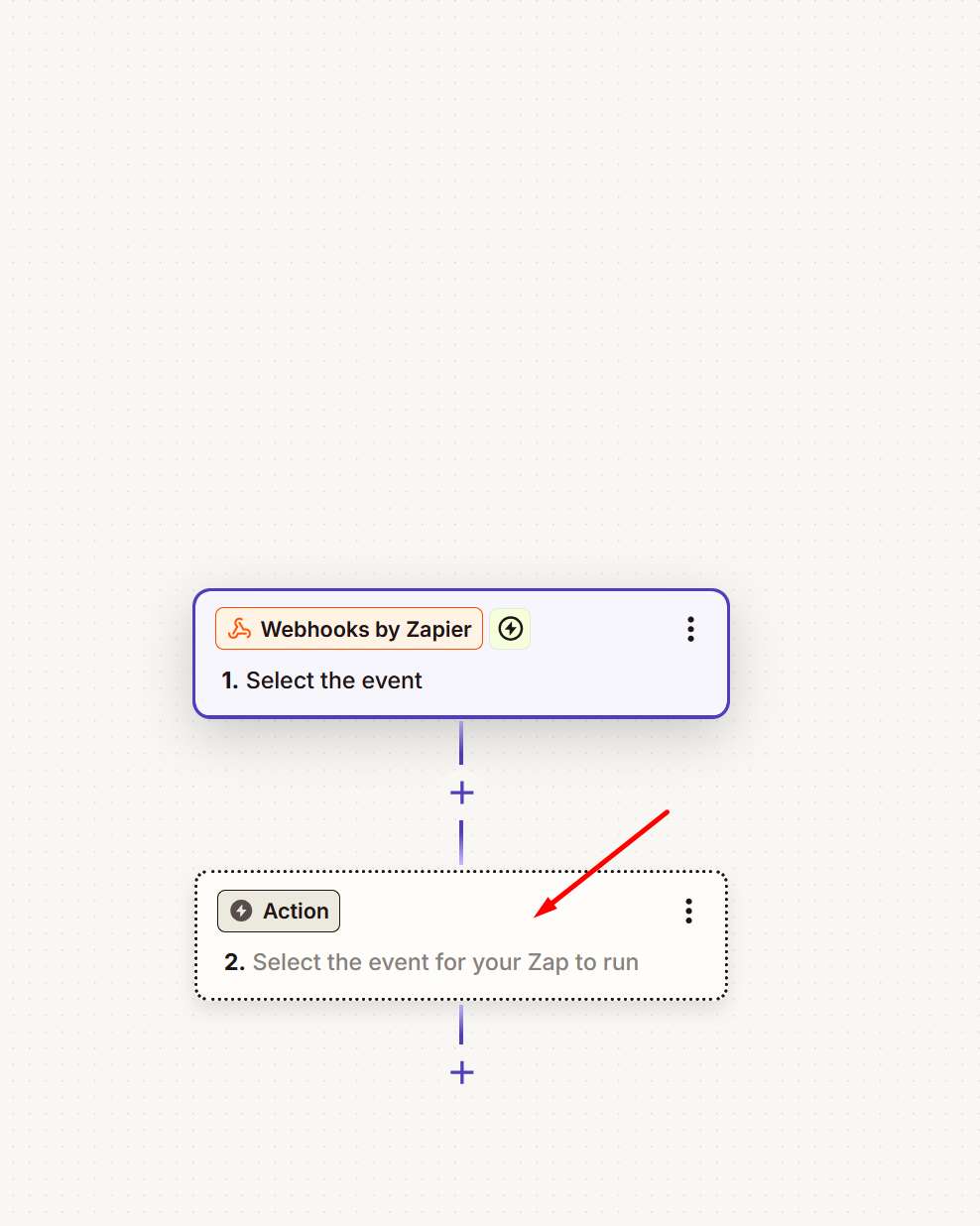
Step 10. Here you can see Resimpli CRM as an action in Zapier. Click ‘Action Event’ and choose ‘Create Lead.’
Step 11. Click Account, the API key required for configuration is displayed.
Step 12. To get the API key, go to the Resimpli dashboard and click the gear icon (Settings) and then click 'Webhooks/API Token'
Step 13. In the API Token tab, you can see the API Token information. Copy it and paste it into your Zapier account as described in Step 11.

Step 14. In this step, you can map the lead’s information to the corresponding fields in Resimpli CRM and then publish the Zap
What should I learn next?